
 ;;;
;;;商品編號:QAAQ4O-A9006ATPU
$3,000
$3,290
折價券
- 適用最大到3.2吋LCD液晶螢幕即約 長69mm X 寬50mm。
- 兩倍定倍率放大,畫質清晰.細節可見
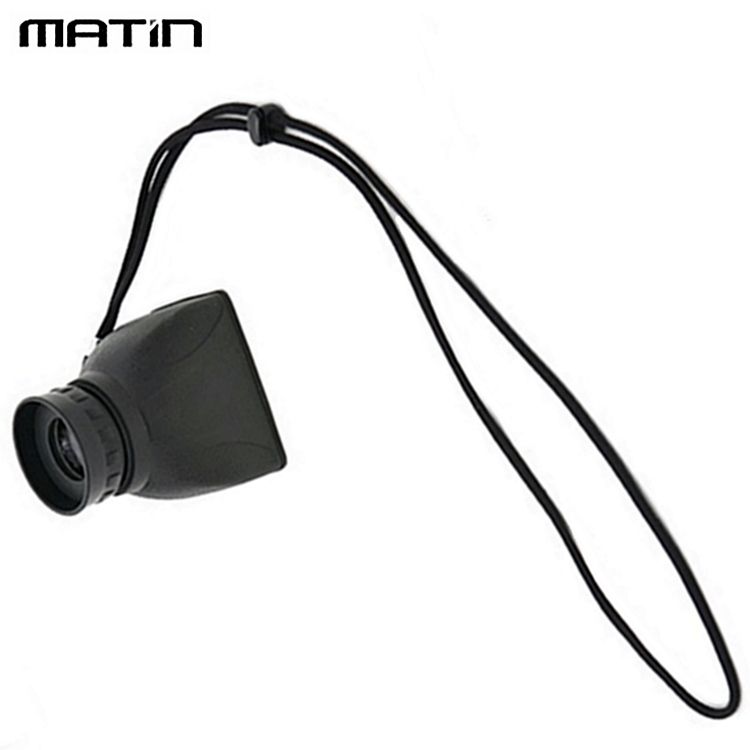
- 附繩,可掛在脖子上,也可綁在相機上
相關商品
- P幣
刷星展PChome聯名卡週四加碼回饋P幣2%
- P幣
全盈+PAY 單筆滿1200回饋80P幣(限量)
- 登記抽
數位一番賞★指定品單筆滿$51,111登記抽WONDER旺德 拍照快點翻譯機
付款方式
- 信用卡、無卡分期、行動支付,與其他多種方式
- PChome 聯名卡最高6%,新戶再享首刷禮1000P
出貨
- 廠商出貨本商品不受24h到貨限制
配送
實際運費計算依結帳頁為準
- 宅配到府(本島/低溫)滿$699免運
- 宅配到府(本島/常溫)滿$490免運
- 超商取貨(常溫)滿$350免運
- 超商取貨(低溫)滿$699免運
- i郵箱(常溫)滿$290免運


商品詳情
(本賣場僅售 "液晶螢幕取景放大器"x1組,詳細隨附請參考下方的●【內含】)
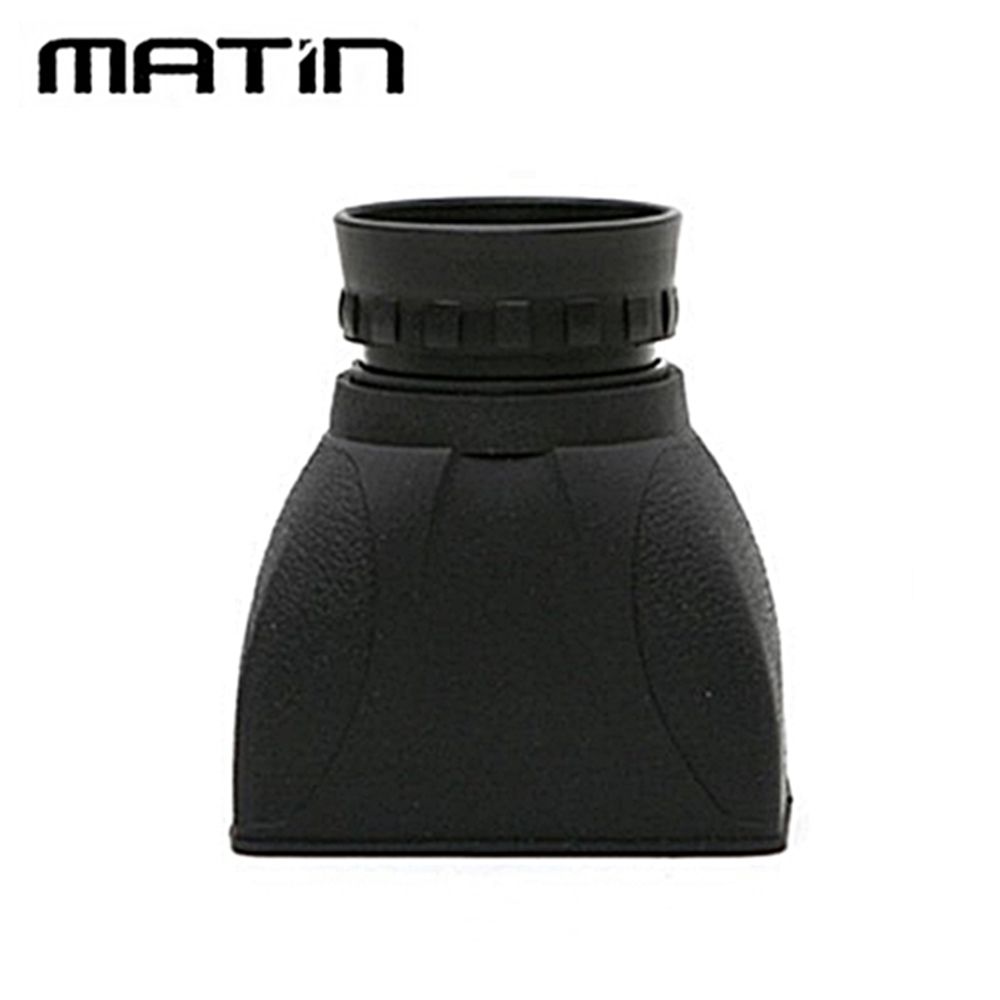
●【品名】 韓國製Matin馬田放大2倍LCD取景器檢視器M-6296(適3.2吋3.2"液晶螢幕)兩倍放大器LCD遮光罩遮陽罩view finder
適用最大到3.2吋LCD液晶螢幕即約 長69mm X 寬50mm。

●【製造廠】Matin(韓國品牌,韓國製造)
●【特點】
●兩倍定倍率放大,畫質清晰.細節可見
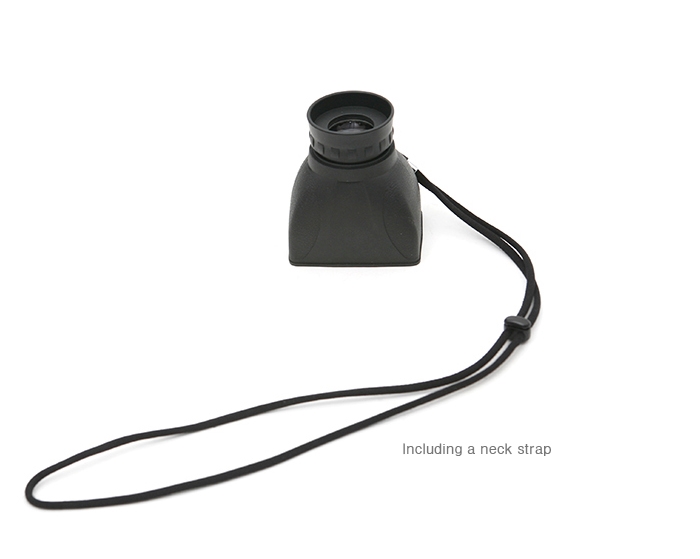
●附繩,可掛在脖子上,也可綁在相機上
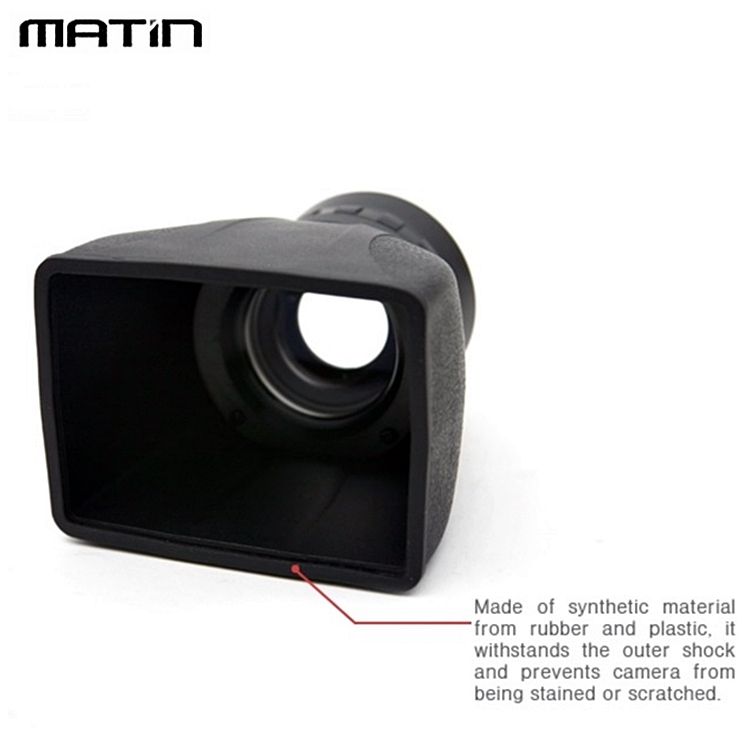
●採用工程塑膠料,質感作工很優

●【適用相機LCD尺寸】
最大可達3.2"(開口處的長寬分別約是69mm X 50mm)●【材質】主要是工程塑料

●【產地】韓國
●【使用說明】

●【內含】
View Finder含繩 一個
收納袋 一個
說明書(英文/日文/韓文) 一份→無中文
●【其它注意事項】 關於色差,由於光線問題,圖片色彩與實物之間存在的色差在所難免,請以收到實物為準
相關分類
購物須知
| 寄送時間 | 預計訂單成立後7個工作天內送達不含週六日及國定假日。如廠商有約定日將於約定日期內送達,約定日期需於訂單成立後14天內。 |
|---|---|
| 送貨方式 | 透過宅配或是郵局送達。 消費者訂購之商品若經配送兩次無法送達,再經本公司以電話與E-mail均無法聯繫逾三天者,本公司將取消該筆訂單,並且全額退款。 |
| 送貨範圍 | 限台灣本島地區。注意!收件地址請勿為郵政信箱。 若有台灣本島以外地區送貨需求,收貨人地址請填台灣本島親友的地址。 |
| 執照證號&登錄字號 | 本公司食品業者登錄字號A-116606102-00000-0 |
關於退貨
- PChome24h購物的消費者,都可以依照消費者保護法的規定,享有商品貨到次日起七天猶豫期的權益。(請留意猶豫期非試用期!!)您所退回的商品必須回復原狀(復原至商品到貨時的原始狀態並且保持完整包裝,包括商品本體、配件、贈品、保證書、原廠包裝及所有附隨文件或資料的完整性)。商品一經拆封/啟用保固,將使商品價值減損,您理解本公司將依法收取回復原狀必要之費用(若無法復原,費用將以商品價值損失計算),請先確認商品正確、外觀可接受再行使用,以免影響您的權利,祝您購物順心。
- 如果您所購買商品是下列特殊商品,請留意下述退貨注意事項:
- 易於腐敗之商品、保存期限較短之商品、客製化商品、報紙、期刊、雜誌,依據消費者保護法之規定,於收受商品後將無法享有七天猶豫期之權益且不得辦理退貨。
- 影音商品、電腦軟體或個人衛生用品等一經拆封即無法回復原狀的商品,在您還不確定是否要辦理退貨以前,請勿拆封,一經拆封則依消費者保護法之規定,無法享有七天猶豫期之權益且不得辦理退貨。
- 非以有形媒介提供之數位內容或一經提供即為完成之線上服務,一經您事先同意後始提供者,依消費者保護法之規定,您將無法享有七天猶豫期之權益且不得辦理退貨。
- 組合商品於辦理退貨時,應將組合銷售商品一同退貨,若有遺失、毀損或缺件,PChome將可能要求您依照損毀程度負擔回復原狀必要之費用。
- 若您需辦理退貨,請利用顧客中心「查訂單」或「退訂/退款查詢」的「退訂/退貨」功能填寫申請,我們將於接獲申請之次日起1個工作天內檢視您的退貨要求,檢視完畢後將以E-mail回覆通知您,並將委託本公司指定之宅配公司,在5個工作天內透過電話與您連絡前往取回退貨商品。請您保持電話暢通,並備妥原商品及所有包裝及附件,以便於交付予本公司指定之宅配公司取回(宅配公司僅負責收件,退貨商品仍由特約廠商進行驗收),宅配公司取件後會提供簽收單據給您,請注意留存。
- 退回商品時,請以本公司或特約廠商寄送商品給您時所使用的外包裝(紙箱或包裝袋),原封包裝後交付給前來取件的宅配公司;如果本公司或特約廠商寄送商品給您時所使用的外包裝(紙箱或包裝袋)已經遺失,請您在商品原廠外盒之外,再以其他適當的包裝盒進行包裝,切勿任由宅配單直接粘貼在商品原廠外盒上或書寫文字。
- 若因您要求退貨或換貨、或因本公司無法接受您全部或部分之訂單、或因契約解除或失其效力,而需為您辦理退款事宜時,您同意本公司得代您處理發票或折讓單等相關法令所要求之單據,以利本公司為您辦理退款。
- 本公司收到您所提出的申請後,若經確認無誤,將依消費者保護法之相關規定,返還您已支付之對價(含信用卡交易),退款日當天會再發送E-mail通知函給您。